Essential / Studio
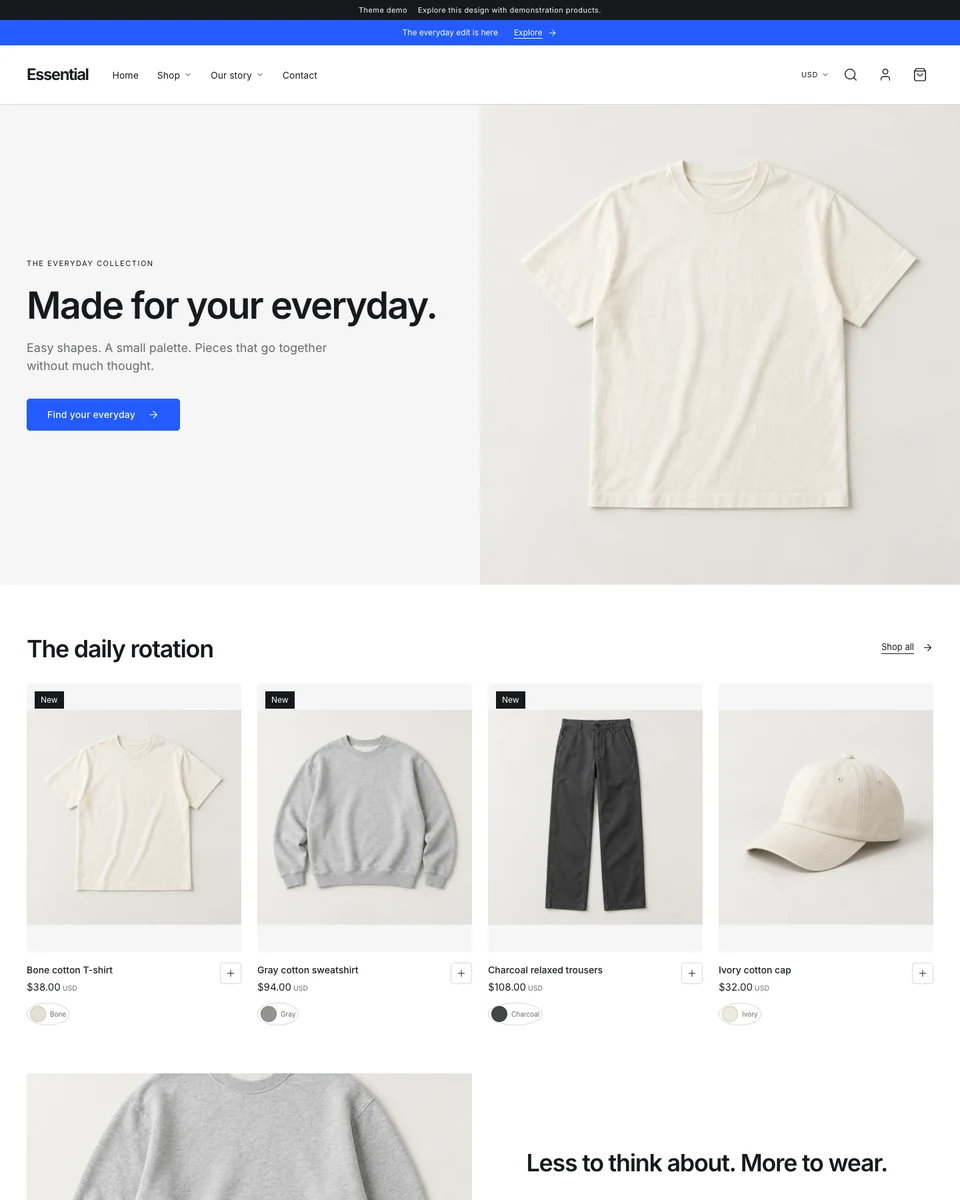
Essential
Choose a preset
Creates a draft. Publish when you’re ready.
Design
Start with Studio, then change your layout, typography, colors, spacing, imagery and calls to action. Edit sections and blocks on desktop, tablet or phone.
- Product grid
- 4 columns
- Footer layout
- Columns
- Theme version
- 1
- Preset layout
- Split campaign
Presets
Features
- Predictive search
- Shopping bag drawer
- Customer accounts
- Selectable currencies
- Newsletter signup
- Contact inbox
- Store policy pages
- Responsive editing
- Mega menu
- Quick view
- Product swatches
- Product image galleries
- Sticky purchase controls
- Breadcrumb navigation
- Back to top
- Recently viewed products
- Campaign slideshows
- Moving text
- Text reveal
- Feature tabs
- Comparison table
- Image hotspots
- Scheduled countdown
- Promotional popup
- Icon grid
- Lookbook
- Journal cards
- Collection rails
- Image comparison
- Editorial collage
- Image-led navigation
- Product spotlight
- Collection tabs
- Split campaign banners
- Material stories
- Page transitions
- Full-screen cart
Customer payments, custom domains and email delivery require their own setup. Store policy pages begin as editable drafts for your business to complete.
Theme guide
Editing, assets, saving and publication.